

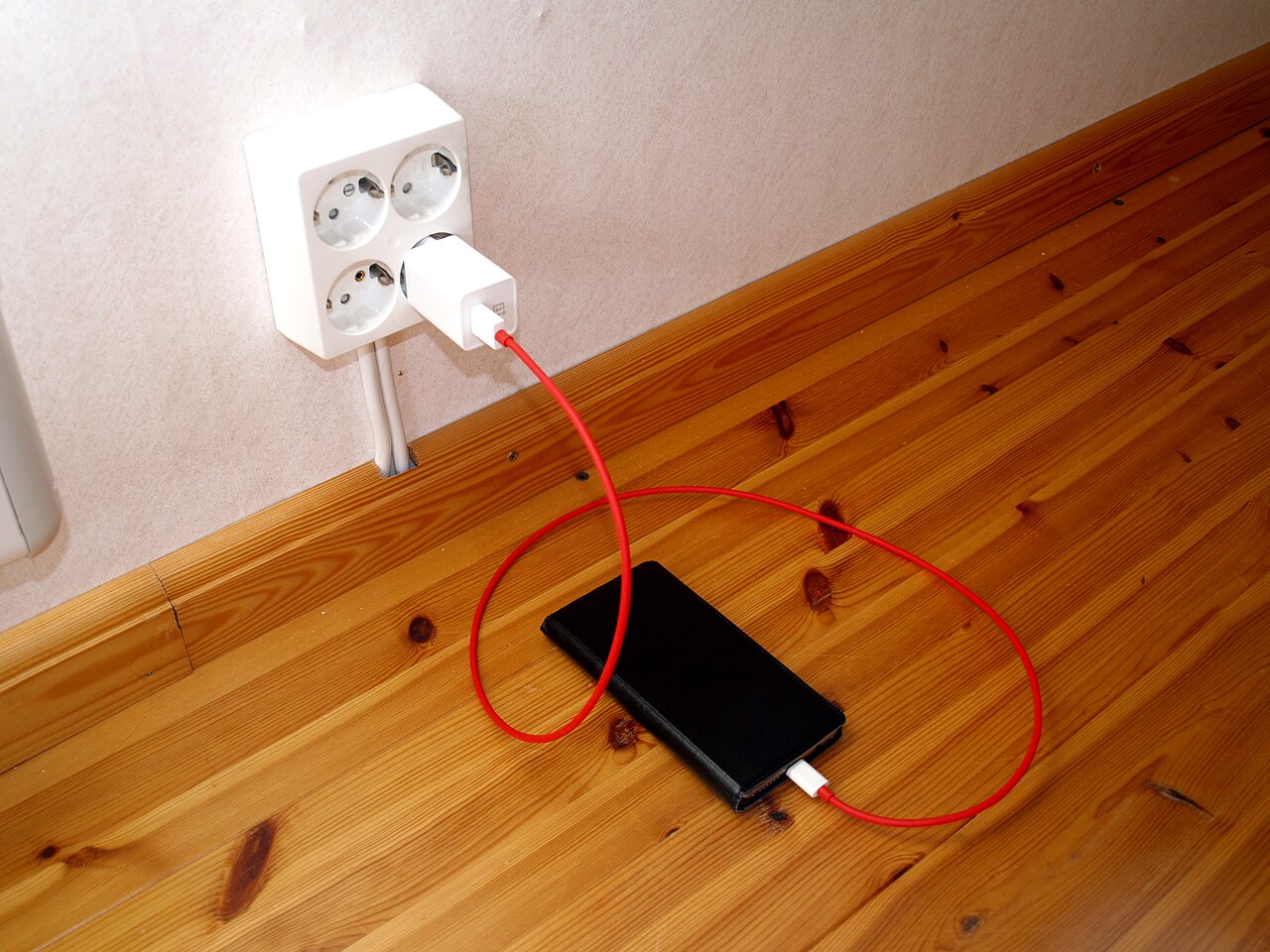

Charger boxes are full of numbers and acronyms. Here is what they mean and how to work out the charger you actually need.
What wattage means
Charging power is measured in watts (W), which is volts multiplied by amps. A higher wattage charger can deliver more power, but your device only draws what it is designed to accept. Plugging a phone into a 65 W charger will not damage it; the phone and charger negotiate and the phone takes its own maximum.
The main fast-charging standards
- USB Power Delivery (USB-PD): the widely used standard over USB-C for phones, tablets and laptops.
- PPS (Programmable Power Supply): an extension of USB-PD that lets the device adjust voltage in small steps, which some phones use for efficient fast charging.
- Quick Charge and other brand systems: older or manufacturer-specific standards. Many modern chargers support several at once.
The key point is that both the charger and the phone must support the same standard to reach the top speed. Otherwise the phone falls back to a slower, safe speed.
How many watts do you need?
- Phones: most charge well between about 18 and 45 W. Check your phone’s specifications for its maximum, because charging beyond it brings no benefit.
- Tablets: often 20 to 45 W.
- Thin laptops: commonly 45 to 65 W over USB-C.
If you want one charger for everything, a 65 W multi-port USB-C model is a flexible choice, though it is larger than a single-phone charger.
Do not ignore the cable
A poor cable can limit speed no matter how good the charger is. Standard USB-C cables are generally rated for up to 60 W. For anything above that, you need a cable with an electronic marker chip rated for higher power. Cheap, thin cables also tend to overheat and fail sooner.
What is GaN?
GaN (gallium nitride) chargers use a different semiconductor material that wastes less energy as heat. In practice that means smaller, cooler chargers at the same wattage. They are convenient for travel, but a good silicon charger from a trusted maker is still perfectly safe.
Fast charging and battery health
- Heat is the biggest enemy of lithium batteries. Avoid fast charging under a pillow, in direct sun or in a hot car.
- Charging speed naturally slows after about 80 percent to protect the battery. This is normal.
- Using a certified charger and cable matters more than the wattage figure.
Simple buying advice
Match the charger to your device’s maximum, choose a cable rated for that power, and buy from a seller who provides a warranty and invoice. A well-made 30 to 45 W charger is enough for most people, and it will serve you better than an uncertified high-wattage charger.
How to find out what your phone supports
Do not guess. Check your phone’s official specifications page for its maximum wired charging speed and the fast-charging standard it uses. Look for terms such as USB Power Delivery, PPS or the manufacturer’s own name for its system. If the phone ships with a charger, the wattage printed on that charger is usually the speed the phone is designed for. Buying a charger with that wattage, or a bit more, from a reputable brand gives you the fastest safe speed without paying for power the phone will never use.
Common fast charging mistakes
- Buying the highest wattage by default. A 100 W charger is wasted on a phone that tops out at 25 W, and it is usually larger and more expensive.
- Using an old or damaged cable. Bent connectors, frayed insulation or a cable that only supports basic charging will hold speeds back.
- Choosing a charger with no clear safety information. Look for the brand, model number, output ratings and compliance markings printed on the unit, and buy from a seller who gives a warranty.
- Charging in hot places. Heat slows charging and stresses the battery. Take the phone out of a thick case if it gets warm.
- Mixing standards and expecting magic. A charger and phone that do not share a fast-charging standard will still charge, but at a slower default speed.
Wired versus wireless charging
Wireless charging is convenient because you just place the phone on a pad, but it is generally slower and less efficient than a good wired connection, and it produces more heat. Wired fast charging is better when you are in a hurry. Wireless pads suit a desk or bedside where you top up gradually. Whichever you use, a certified charger and a phone case that is not too thick help keep temperatures down.
Should you buy a multi-port charger?
A multi-port charger is handy if you charge a phone, earbuds and a tablet together. Check how the total wattage is shared between ports, because using several ports at once often lowers the speed on each. If you mostly charge one phone at a time, a compact single-port charger is simpler and lighter.
Frequently asked questions
Will a higher wattage charger damage my phone?
No. The phone requests the power it can safely handle, so a more powerful charger from a reliable maker simply supplies what is asked.
Why does my phone charge slowly after it reaches 80 percent?
Charging deliberately slows near the top to protect the battery and reduce heat. This is normal behaviour, not a fault.
Can I use my laptop charger for my phone?
Often yes, if both use USB-C Power Delivery and the charger has a suitable USB-C port. The phone will draw only the power it needs. Use a proper USB-C cable.