

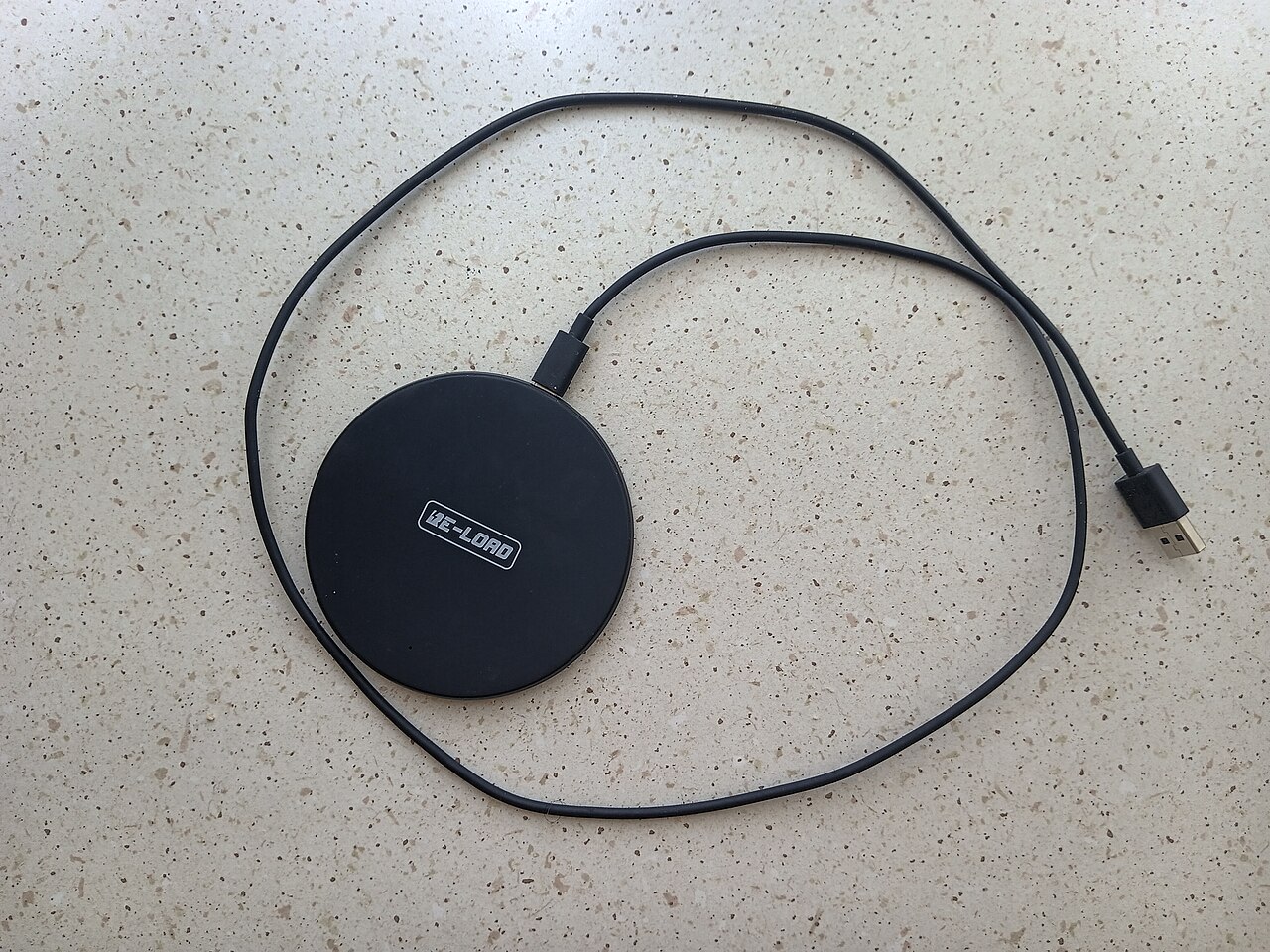

Every phone battery wears out gradually, but everyday habits can slow that down. These tips are simple and do not require special apps.
1. Keep it cool
Heat is the biggest enemy of lithium-ion batteries. Do not leave your phone on a car dashboard, in direct sun, or under a pillow while charging. If your phone gets hot during fast charging or gaming, remove a thick case and let it cool.
2. Do not worry about perfect charge levels
You do not need to obsess over stopping at exactly 80 percent. Modern phones manage charging well. Still, regularly running the battery to zero or leaving it at 100 percent for very long periods puts slightly more stress on it. Charging in the middle of the range whenever convenient is a good general habit.
3. Use the built-in battery features
Many phones offer optimised or adaptive charging that learns your routine and slows charging overnight so the battery is not held at 100 percent for hours. Turn it on if your phone has it.
4. Use a quality charger and cable
A certified charger and a good cable protect both speed and safety. Very cheap, uncertified chargers can deliver unstable power. Buy from a seller who provides a warranty and invoice, and replace frayed cables.
5. Reduce unnecessary drain
- Lower screen brightness or use adaptive brightness.
- Close apps that constantly run in the background.
- Turn off location, Bluetooth or Wi-Fi when you do not need them.
- Keep your software updated, since updates often improve battery efficiency.
6. Know when the battery is worn
Batteries are designed to lose capacity gradually. Many phones are engineered to keep a large share of their capacity after several hundred full charge cycles, but the exact figure differs by model. Signs of wear include much shorter battery life, sudden shutdowns and slow performance. Check your phone’s battery health screen if it has one, and consider a battery replacement from an authorised service centre instead of buying a new phone.
7. Store it sensibly
If you will not use a spare phone for a while, store it around half charged in a cool, dry place rather than fully charged or completely empty.
The short version
- Avoid heat.
- Use a good charger and cable.
- Turn on optimised charging.
- Reduce needless background drain.
- Replace a worn battery through an authorised service centre.
Common battery myths
- “Charging overnight ruins the battery.” Modern phones stop drawing significant power when full, and many have optimised charging. Heat and a low-quality charger matter more than the hours spent plugged in.
- “Closing all apps saves battery.” Constantly force-closing apps can actually use more power because they must reload. Close only apps that misbehave.
- “You should always drain the battery to zero.” This is outdated advice for old battery types and is not good for lithium-ion cells.
- “Any charger works the same.” Certified chargers deliver stable power and include protection. Very cheap, uncertified ones may not.
Charging habits for different situations
At your desk or at home
Top up in the middle of the day whenever convenient. Short charges are fine for modern batteries.
Overnight
Use optimised or adaptive charging if available, keep the phone on a hard surface and not under bedding, and use a good charger.
While gaming or using heavy apps
Gaming while fast charging generates a lot of heat. If the phone becomes hot, pause charging or reduce the workload, and remove a thick case.
When travelling
Carry a reliable power bank, keep the phone out of hot vehicles, and avoid leaving it in direct sun for navigation for hours without ventilation.
Software settings that help
- Turn on battery saver or power-saving mode when you know you will be away from a charger.
- Check which apps use the most battery in the settings and restrict background activity for those you rarely use.
- Use dark mode on phones with OLED screens, which can reduce power use at lower brightness levels.
- Keep the operating system and apps updated, since updates often include efficiency improvements.
Battery replacement or new phone?
If the phone is otherwise fast and still receives updates, a battery replacement at an authorised service centre is often cheaper than a new phone and can make it feel new. If the phone is very old, no longer receives security updates, or has other problems, replacing the phone may make more sense. Ask for the cost and warranty on the new battery before deciding.
Frequently asked questions
How long should a phone battery last?
Batteries wear gradually, and many people notice reduced battery life after a couple of years of daily use. This varies by model and habits.
Is it bad to use the phone while charging?
Light use is fine. Heavy use while fast charging produces heat, which is what you want to limit.
Does low power mode harm the phone?
No. It reduces background activity and some performance to save energy, and it is safe to use whenever you need it.
Signs your battery needs attention
Watch for a battery that drains much faster than it used to, a phone that shuts down suddenly at 20 or 30 percent, unusual heat during normal use, or a back panel or screen that seems to bulge. A swollen battery is a safety issue: stop using and charging the phone and take it to an authorised service centre as soon as possible. For milder wear, check whether a recent update or a single power-hungry app is responsible before assuming the battery itself is at fault.