

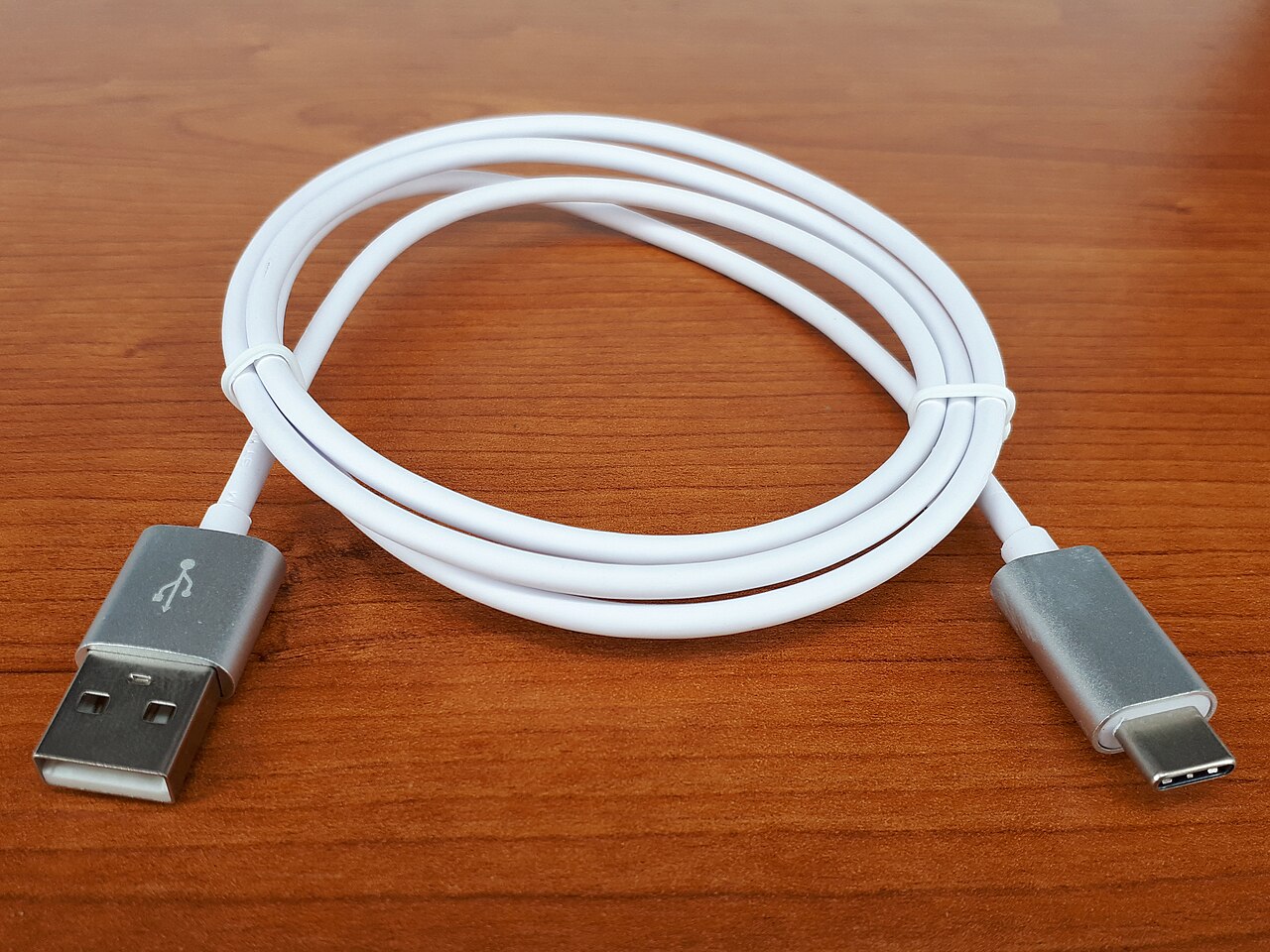

USB-C has become the standard connector for phones, tablets, laptops and accessories. That is convenient, but it also causes confusion: two cables with the same plug can charge at very different speeds, and one may transfer files quickly while the other barely works for data. This guide explains what actually differs inside the cable, so you can buy the right one without overpaying.
USB-C is a connector, not a speed
The oval USB-C plug describes the shape only. What a cable can do depends on the wiring and chips inside it. A USB-C cable might support only slow USB 2.0 data and basic charging, or it might support fast data, high-power charging and even video output. The plug on the end tells you none of this, which is why labels, specifications and the seller’s information matter.
Charging power: how many watts can the cable carry?
Most USB-C cables are designed to carry up to about 60 W, which covers phones, tablets and many small laptops. Cables meant for higher power, commonly up to 100 W and, under newer specifications, higher still, contain a small identification chip (often called an electronic marker) that tells the charger and device it is safe to send more power. If you plan to charge a laptop that needs 65 W or more, check that the cable is rated for it. Using an under-rated cable can limit the speed or, with poorly made cables, cause overheating.
- For phones and earbuds, an ordinary cable from a reputable brand is usually enough.
- For laptops and power-hungry tablets, buy a cable that clearly states its wattage rating.
- Very thin, very cheap cables are more likely to be under-specified.
Data speed: not all cables are equal
Many charging cables included in the box only support USB 2.0 speeds, which are fine for charging and occasional file transfers but slow for large files. Faster options exist:
- USB 2.0: about 480 Mbps. Common in cheap and bundled charging cables.
- USB 3.x: about 5 or 10 Gbps depending on the version, suitable for moving photos, videos and backups quickly.
- USB4 and Thunderbolt: up to 20 or 40 Gbps, useful for fast external drives and docks.
Your phone, computer and cable must all support the faster speed. The slowest of the three decides the result. If you only ever charge, do not pay for fast data. If you regularly copy large files or use an external SSD, look for a cable that lists its data speed.
Video output and other features
Some USB-C cables can carry a video signal to a monitor or TV, which lets you connect a phone or laptop to a display with a single cable. This needs support in the device, the cable and the display. If this is important to you, look for cables that mention video or DisplayPort support in their specifications. Do not assume every USB-C cable can do it.
Length matters
Longer cables have more electrical resistance, so charging can be slightly less efficient, and very long cables may not support the fastest data speeds unless they are specially built. For most people, a cable around one metre is a good balance for the desk, and a shorter cable is better for the car or a power bank. A longer cable is handy at the bedside but should still come from a trusted maker.
How to choose a good cable
- Decide what you need: charging only, fast file transfer, or video output.
- Check the printed or listed specifications: wattage, data speed and length.
- Buy from a reputable brand or seller who gives a warranty and invoice.
- Look at the build: reinforced strain relief near the connectors, a solid braided or well-insulated cable and firm plugs.
- Avoid unbelievable claims, such as a very cheap cable advertised for very high wattage and top data speeds together.
Signs a cable is a problem
- The phone charges much slower than with another cable.
- The connector feels loose or the phone charges only at a certain angle.
- The cable or plug gets noticeably hot.
- The insulation is cracked or the wires are exposed.
Stop using a damaged cable. A cheap replacement from a trusted source is much less costly than a damaged device or a safety incident.
Making cables last longer
Most cables fail near the connector where they bend. Avoid pulling on the cable to unplug it, pull from the plug instead. Do not wrap it tightly around the charger or a power bank, and do not use the phone in a position that constantly bends the cable at the port. Keep spare cables for the car and bag so you are not tempted to use a damaged one.
Frequently asked questions
Can I use any USB-C cable with any USB-C charger?
Physically yes, but performance depends on both. The charger, cable and device negotiate the best speed that all three support.
Does a more expensive cable charge faster?
Not automatically. Price does not decide speed. The specifications do. A well-made, correctly rated cable from a reliable brand is the sensible choice, not necessarily the most expensive one.
Is it safe to use a laptop cable to charge my phone?
Generally yes. The phone requests only the power it can handle, so a higher-rated cable is safe to use.
Common myths about USB-C cables
- “All USB-C cables are the same.” As explained above, power rating, data speed and video support all vary. The plug is identical, the capabilities are not.
- “A thicker cable is always better.” Thickness can indicate more copper or better insulation, but it is not a guarantee. Ratings and reputable manufacturing matter more.
- “Braided cables never break.” Braiding protects the outer sleeve, but the wires and connectors inside can still fail if bent repeatedly at the same point.
- “Fast charging needs a special phone cable.” Often the cable you already own is fine. What matters is that the charger, cable and phone all support the fast-charging standard and power level.
A short, honest label describing what the cable supports is a better sign of quality than dramatic marketing language.