

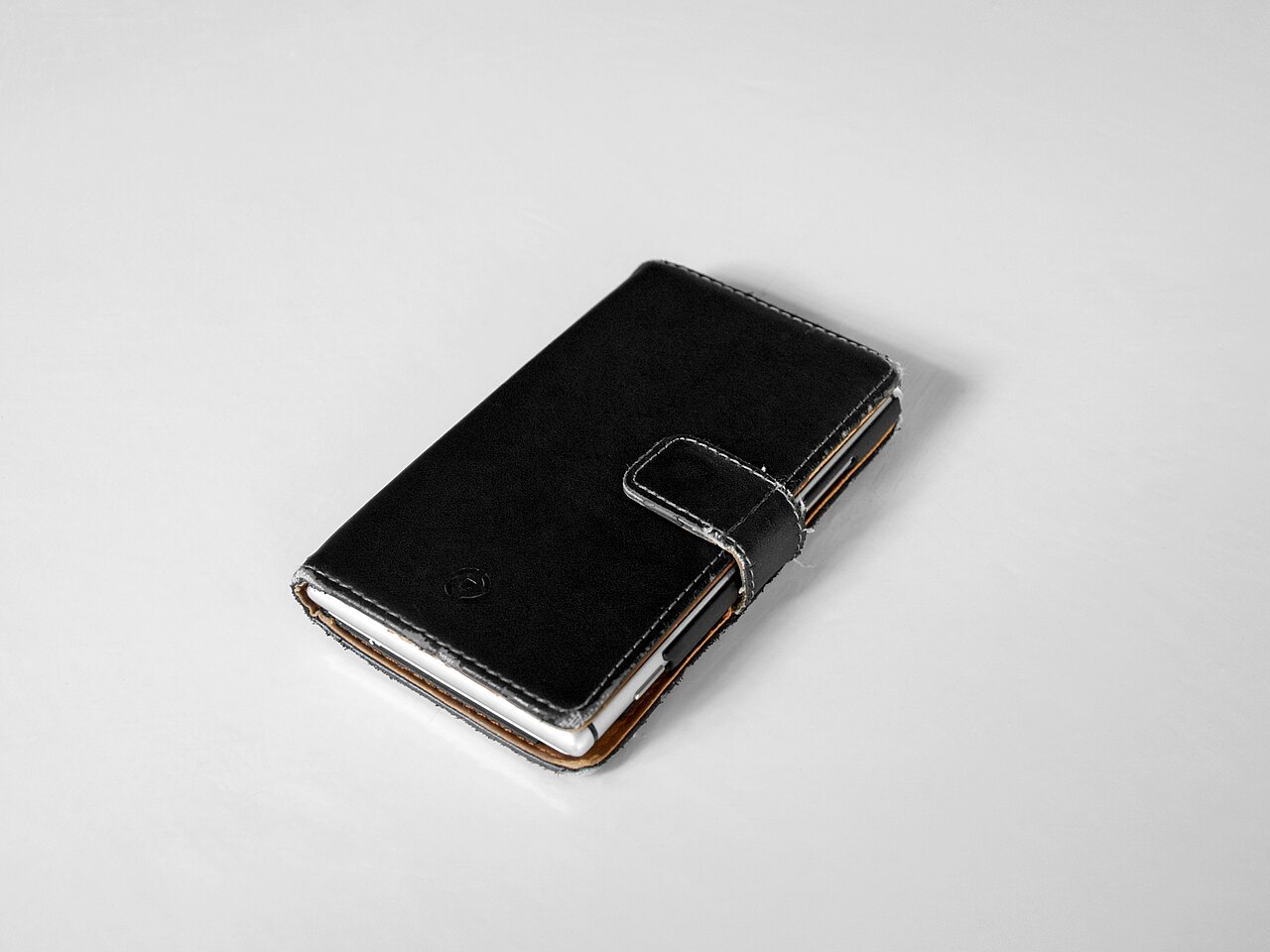

Most phone damage happens in seconds: a drop onto a hard floor, keys scratching the screen in a pocket, or a crack from an awkward fall. The right case and screen protector can prevent a lot of that, but products differ widely and marketing claims can be misleading. This guide explains how each type works, what it cannot do, and how to choose a combination that suits you.
What causes most phone damage
- Drops: the most common cause of cracked screens and dented corners.
- Scratches: from keys, coins, sand and dust in pockets and bags.
- Pressure and bending: from sitting on the phone or overloading a bag.
- Liquids and heat: which cases and protectors do little about.
Knowing your main risk helps you choose. If you drop your phone often, prioritise impact protection. If you mainly worry about scratches, a good screen protector may be enough.
Screen protectors: glass versus film
Tempered glass protectors are thin sheets of hardened glass applied over the screen. They feel similar to the phone’s own glass, resist scratches well and can absorb some impact, sometimes cracking so that the phone’s screen does not. They are usually easy to apply and replace.
Plastic film protectors (such as TPU or PET) are thinner and more flexible. They protect against light scratches and can suit curved screens, but they scratch more easily than glass and offer little impact protection.
Whichever you choose, check that it is made for your exact phone model. A poor fit can leave gaps at the edges, block the front camera or sensors, or interfere with an under-display fingerprint reader. Marketing terms like “9H” describe a scratch-hardness test and do not mean the protector is unbreakable.
Phone cases: what to look for
- Raised edges: a small lip around the screen and camera keeps them off the surface when the phone lies face down.
- Corner protection: corners take most of the impact in drops, so reinforced or air-cushioned corners help.
- Material: silicone is grippy and soft, TPU is flexible and affordable, polycarbonate is rigid, and rugged cases combine layers for stronger protection.
- Fit and cut-outs: buttons, ports and speakers should be easy to reach without gaps that let dust in.
Choosing by lifestyle
- Office or light use: a slim TPU case and tempered glass are usually enough.
- Active or outdoor use: a rugged, shock-absorbing case with a firm grip and a strong glass protector.
- Frequent drops by children: a thick silicone or rugged case with raised edges.
- Wireless charging users: a slim case without metal plates, since thick cases and metal can slow or block charging.
How to apply a screen protector properly
- Wash your hands and clean the screen with the wipes supplied, then dry it with a microfibre cloth.
- Remove dust with the sticker supplied. Do this in a clean room, for example after a shower has settled dust.
- Line up the protector carefully with the camera and speaker cut-outs before it touches the screen.
- Lay it down from one edge and press gently from the centre outward to push out bubbles.
- If a speck of dust gets trapped, lift the protector gently with tape and remove it.
Things a case will not fix
A case does not make a phone waterproof, does not stop internal damage from a hard impact, and can trap heat if it is very thick. Also, cases wear out: yellowing, stretched edges and worn corners reduce protection, so replace them when they no longer fit snugly.
Buying tips
- Choose products designed for your exact phone model.
- Prefer clear product descriptions that explain materials and features honestly.
- Be cautious with unrealistic claims such as “unbreakable” or “military grade” without an explanation of the test.
- Buy from a seller who provides an invoice and a return option if the fit is wrong.
Frequently asked questions
Do I need both a case and a screen protector?
Ideally yes, because they protect different parts. A case guards the body and corners, while a protector guards the screen.
Can a screen protector affect touch sensitivity?
Thin, well-fitting protectors usually feel the same. Very thick or poorly fitted ones can reduce sensitivity or fingerprint-sensor accuracy.
How often should I replace a screen protector?
Replace it when it is cracked, peeling or badly scratched. A damaged protector can also be uncomfortable or unsafe on the fingers.
How to test whether a case is doing its job
You do not need to drop your phone to check a case. Look and feel for these signs instead:
- The lip around the screen is high enough that a flat, face-down phone does not touch the surface.
- The corners are thicker than the sides, which is where most impacts land.
- The case flexes a little but snaps firmly back, rather than feeling brittle or cracking when bent.
- The case grips well in your hand, which helps prevent the drop in the first place.
Cleaning and replacing
Dirt and sand trapped between the phone and the case can scratch the phone body. Remove the case and wipe both surfaces every few weeks. Clear cases can yellow over time from sunlight and oils, and replacing them restores both appearance and protection. Keep a spare screen protector at home so that replacing a damaged one takes minutes rather than days.
A note on value
You do not need the most expensive case or protector. A well-fitting, honestly described product from a reliable seller, replaced when it wears out, protects better than a costly one that fits badly. Spend where your risk is highest: a dependable case if you drop the phone, and a good protector if scratches worry you.