

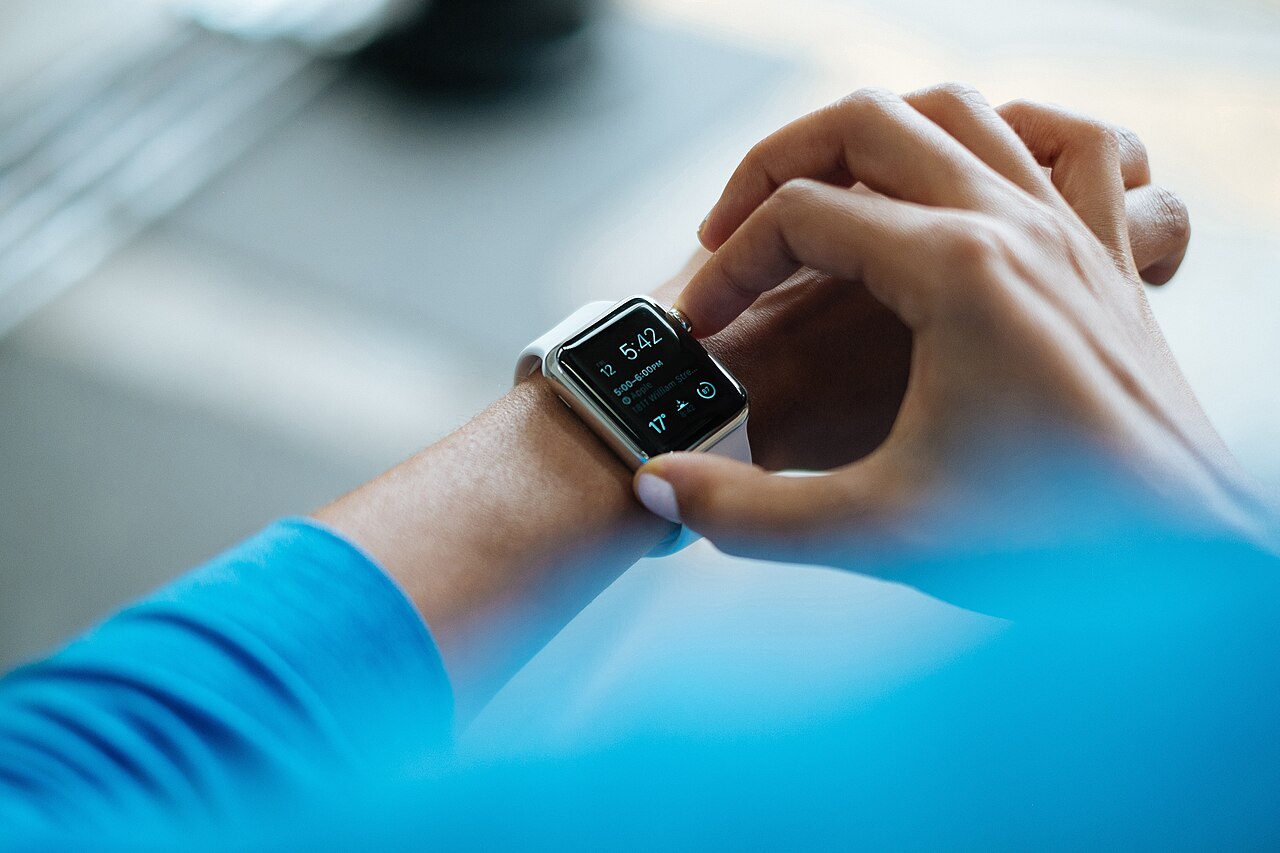

Smartwatches now cover everything from simple notification bands to full-featured devices with GPS, health tracking and apps. With so many models and so much marketing, it is easy to pay for features you will never use. This guide explains what matters, what to be careful about and how to match a smartwatch to your lifestyle.
First, check compatibility
Not every smartwatch works with every phone. Some watches need a specific operating system for full features, and a few work fully only with phones from the same brand. Before you compare features, confirm that the watch works with your phone model and that the companion app is available for it. This one check prevents the most common disappointment.
Decide what you want the watch to do
- Notifications and call alerts: nearly every watch does this. Check whether you can reply or take calls from the wrist.
- Fitness tracking: steps, workouts, heart rate and sleep are common. If you run or cycle seriously, built-in GPS is valuable.
- Health monitoring: heart rate and blood-oxygen sensors are widely advertised.
- Payments and apps: available on some platforms, but they add cost and complexity.
Understand the health features honestly
Consumer smartwatches can show useful trends, such as resting heart rate over weeks or how your sleep changes, but they are generally not medical devices. Readings can be affected by fit, skin tone, movement and tattoos, and single readings should not replace advice from a healthcare professional. Treat the numbers as guidance for habits, not as a diagnosis. If a feature is described as clinically validated or medically approved, look for clear information on what exactly was approved and in which countries.
GPS: built-in or phone-connected
Watches with built-in GPS can record a run or ride without carrying your phone. Watches that rely on the phone’s GPS are cheaper but need the phone with you for accurate distance and routes. If you mostly walk or use the gym, phone-connected GPS is often enough.
Battery life
Battery life varies widely. Feature-rich watches with bright screens and always-on displays often need charging every day or two. Simpler watches and fitness bands can last a week or more. Think about your habits. If you want sleep tracking, a watch you must charge daily is awkward because you have to leave it off the wrist at some point. Manufacturers’ figures are normally measured under light use, so expect somewhat less in daily life.
Display and design
- AMOLED screens are bright and colourful but use more power.
- LCD or memory displays can be easier in sunlight and more efficient.
- Size and weight: a big watch may look impressive but be uncomfortable on a small wrist or in bed.
- Straps: look for standard strap widths so you can replace them, and hypoallergenic materials if you have sensitive skin.
Water resistance
Look for a clear rating such as 5 ATM, which typically means suitable for swimming in shallow water, or an IP rating for splashes. Hot showers, saunas and diving are often not covered even by watches marketed as waterproof. Read the manufacturer’s care instructions for details.
Privacy and data
A smartwatch collects sensitive personal data about your body and habits. Check the brand’s privacy policy, see which permissions the app requests, and use a strong password on the account. Prefer brands that explain clearly how they store and share your data.
Avoid the common traps
- Buying on looks alone, without checking software support and app quality.
- Trusting inflated specifications. Very cheap watches that claim every premium feature are unlikely to deliver them.
- Ignoring after-sales support. Batteries, straps and chargers may need replacing, so make sure the seller provides a warranty and that accessories are available.
- Buying imitations of famous brands. Copies use the brand’s name or logo without being the real product. They are unsafe to rely on for health data, offer no warranty and are illegal to sell.
A simple way to decide
- Confirm compatibility with your phone.
- Pick the two or three features that matter most to you.
- Set a budget and shortlist models that meet those needs.
- Read independent reviews for real battery life and accuracy.
- Buy from a seller who gives an invoice and warranty.
Frequently asked questions
Do I need a smartwatch if I already have a fitness band?
Not necessarily. A band is lighter, has longer battery life and covers the basics. A smartwatch adds a larger screen, apps and richer notifications.
How accurate is the heart rate sensor?
It is generally good at rest and less reliable during intense or irregular movement. A snug fit helps.
Can I swim with any smartwatch?
Only if the manufacturer states it is rated for swimming. Check the exact rating and the conditions covered.
Setting up and getting the most from your smartwatch
A smartwatch is only useful if it fits into your routine. After buying, take a few minutes to set it up properly:
- Choose which apps may send notifications, since too many alerts make the watch annoying and drain the battery.
- Enter accurate height, weight and age so fitness estimates are more meaningful.
- Wear it snugly but comfortably, about a finger’s width above the wrist bone, so the sensors can read properly.
- Set a daily goal that is realistic, and adjust it after a couple of weeks of data.
- Update the watch and companion app regularly, because updates often improve battery life and sensor accuracy.
Clean the strap and the back of the watch regularly, especially after workouts, to prevent skin irritation and to keep the sensors accurate.